Restore old photos with care.
RestorePhoto repairs scratches, tears, and fading with AI photo restoration. Free to try.

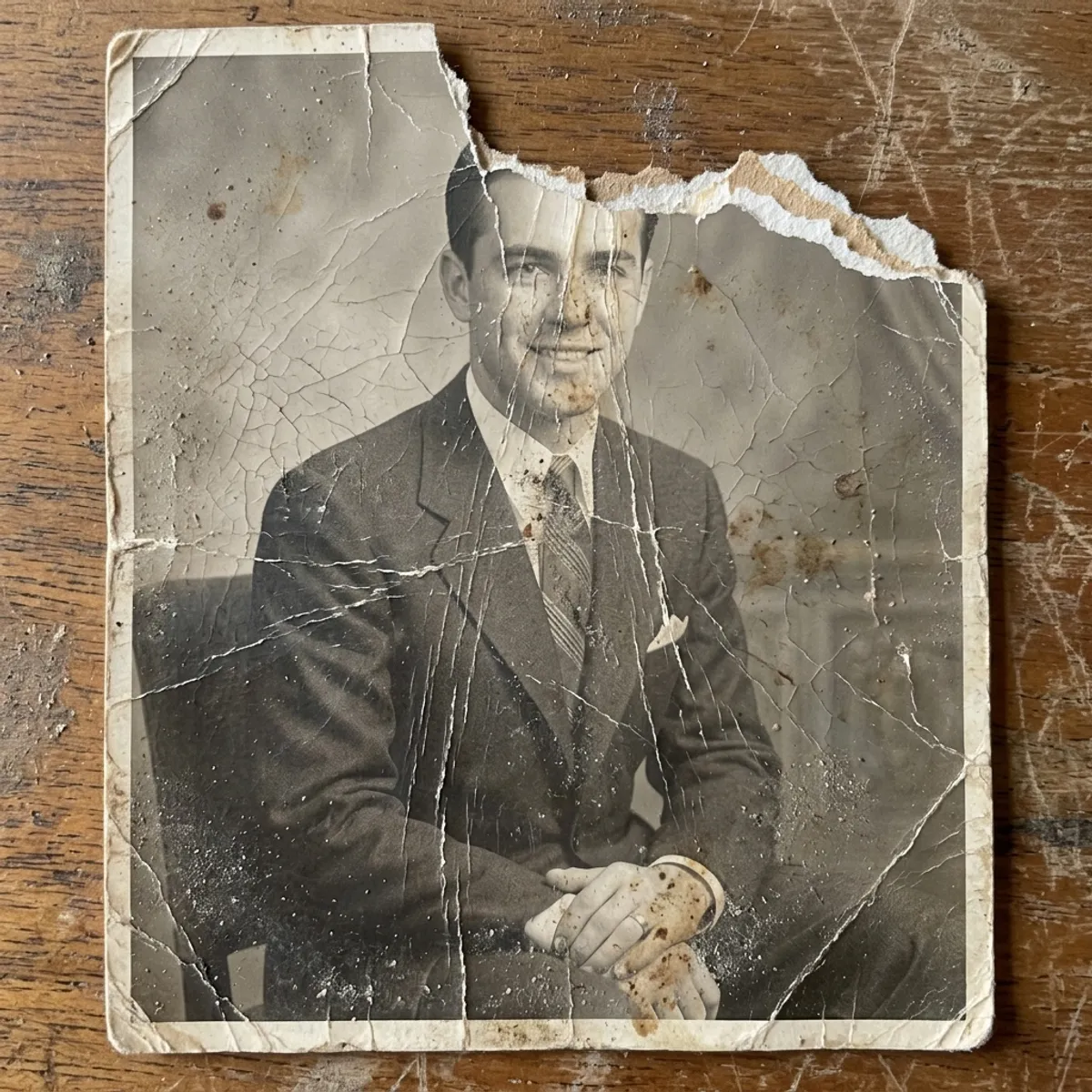
How to restore old photos in three steps.
Built for people who love their photos more than they love their computers. If you can take a picture, you can use RestorePhoto. No scanner, no Photoshop.
Snap the original
Lay the photo flat, open the app, and point your phone at it. Review the upload, rotate it, and crop it before you start. No scanner is needed.

AI does the heavy lifting
Our restoration model removes scratches, fills in tears, recovers faded color, and sharpens faces. Black-and-white stays black-and-white by default. Want color? Choose colorization before you upload.
Share or print at home
Save to your camera roll, text it to family, or order an archival print. Everyone on the group chat gets the version that looks the way you remember.
Tools for old, damaged, or faded prints.
Repair damaged photos, restore faded color, sharpen blurry old pictures, and colorize black-and-white photographs. Keep the original nearby as you review the result.
A light touch for old photos
The restoration focuses on scratches, fading, tears, and soft detail while keeping the source image available for comparison.
Choose how color is handled
Preserve the original palette, add color to a monochrome photo, or convert a color photo to black and white before starting the restoration.
Private by default
Your photos stay in your library until you delete them, encrypted at rest. We never sell them, and you can remove restorations from the library when you are done.
Repair scratches, tears & fading
Fixes the damage analog photos collect over decades: torn corners, water stains, severe yellowing, silver mirroring on old prints.
Colorize black-and-white photos
Add color to old monochrome portraits, wedding photos, and family snapshots, then compare the result with the original.
Re-run with custom instructions
Not happy with a result? Re-run with a short instruction like "make my dress red" or "remove the building behind me", and the AI applies just the change you asked for.
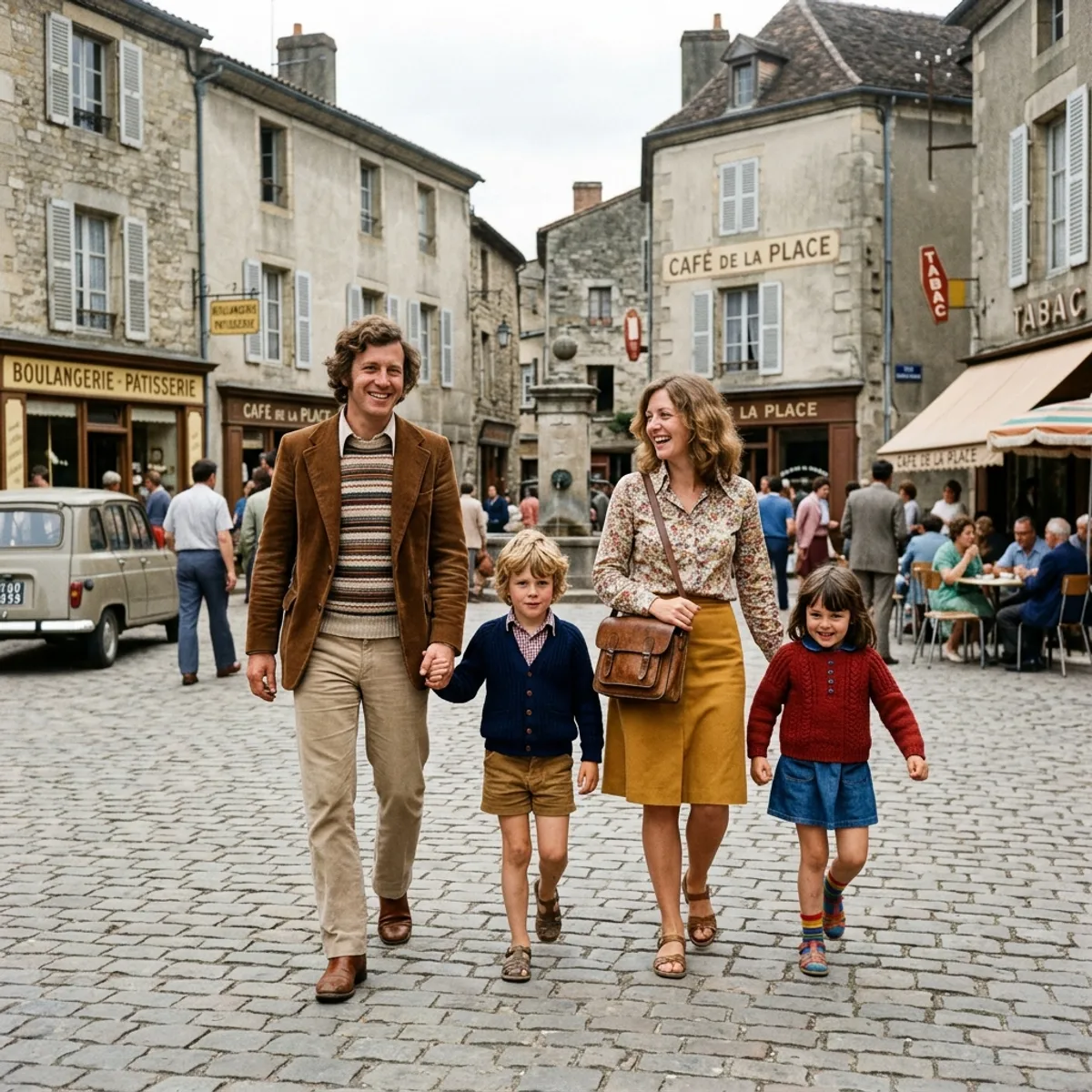
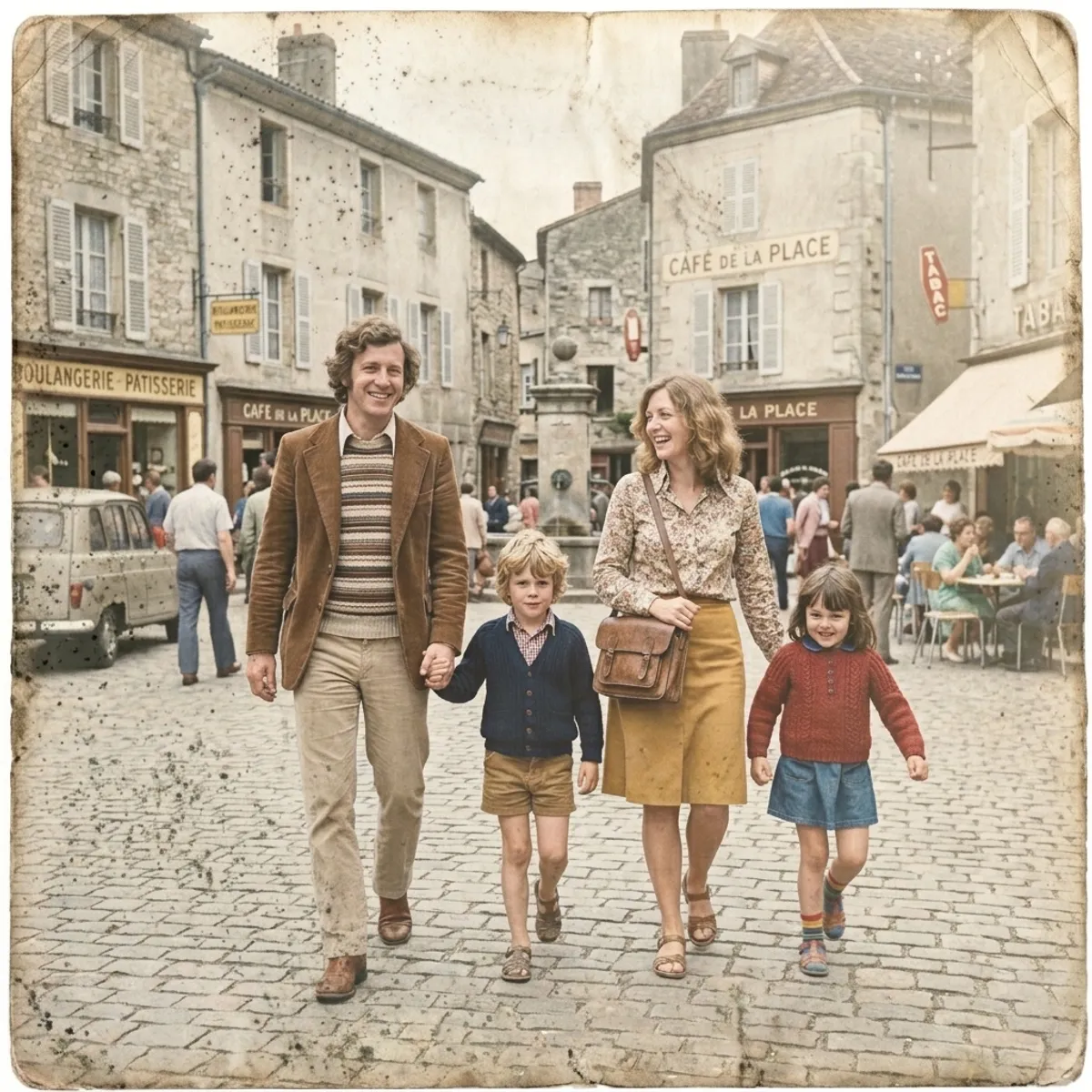
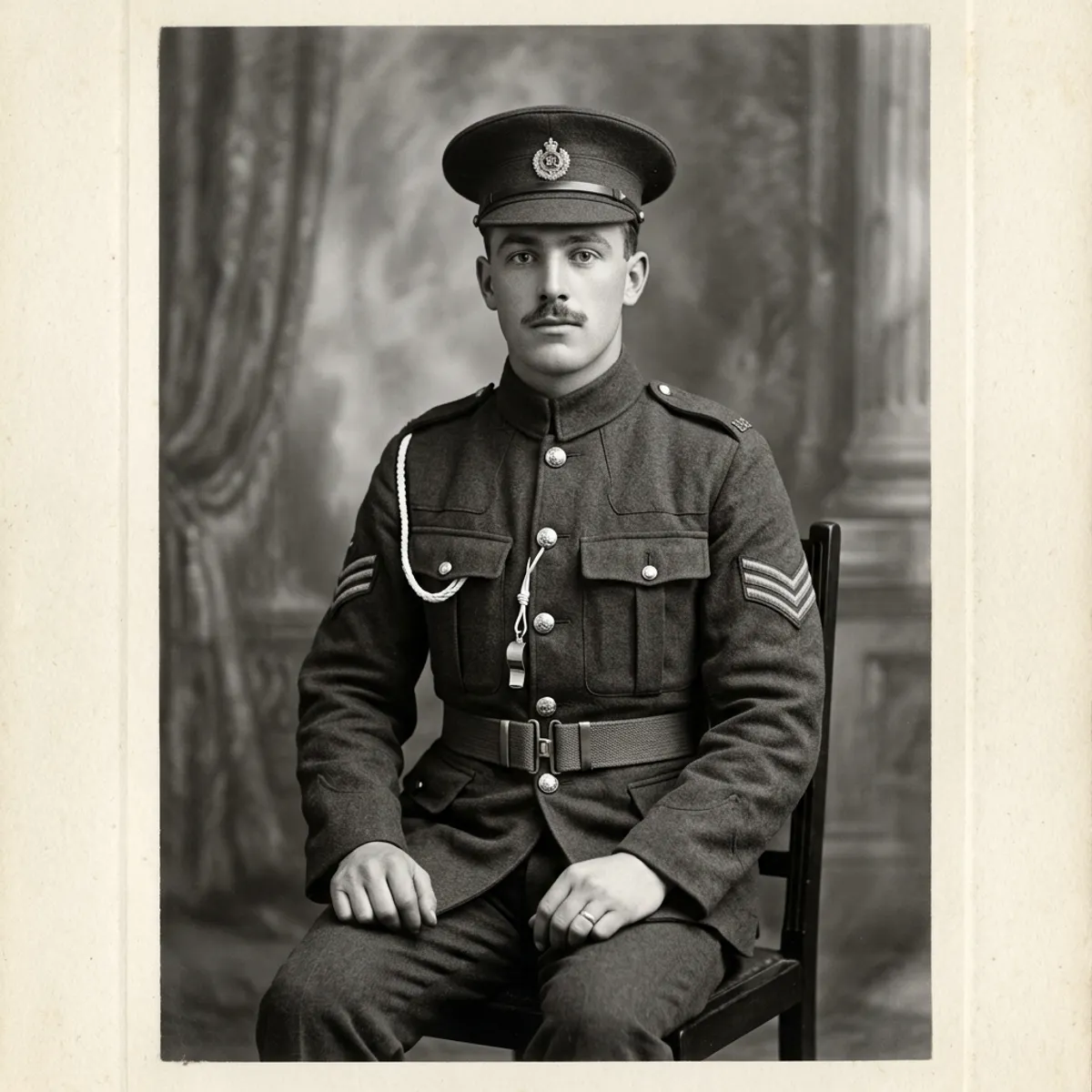
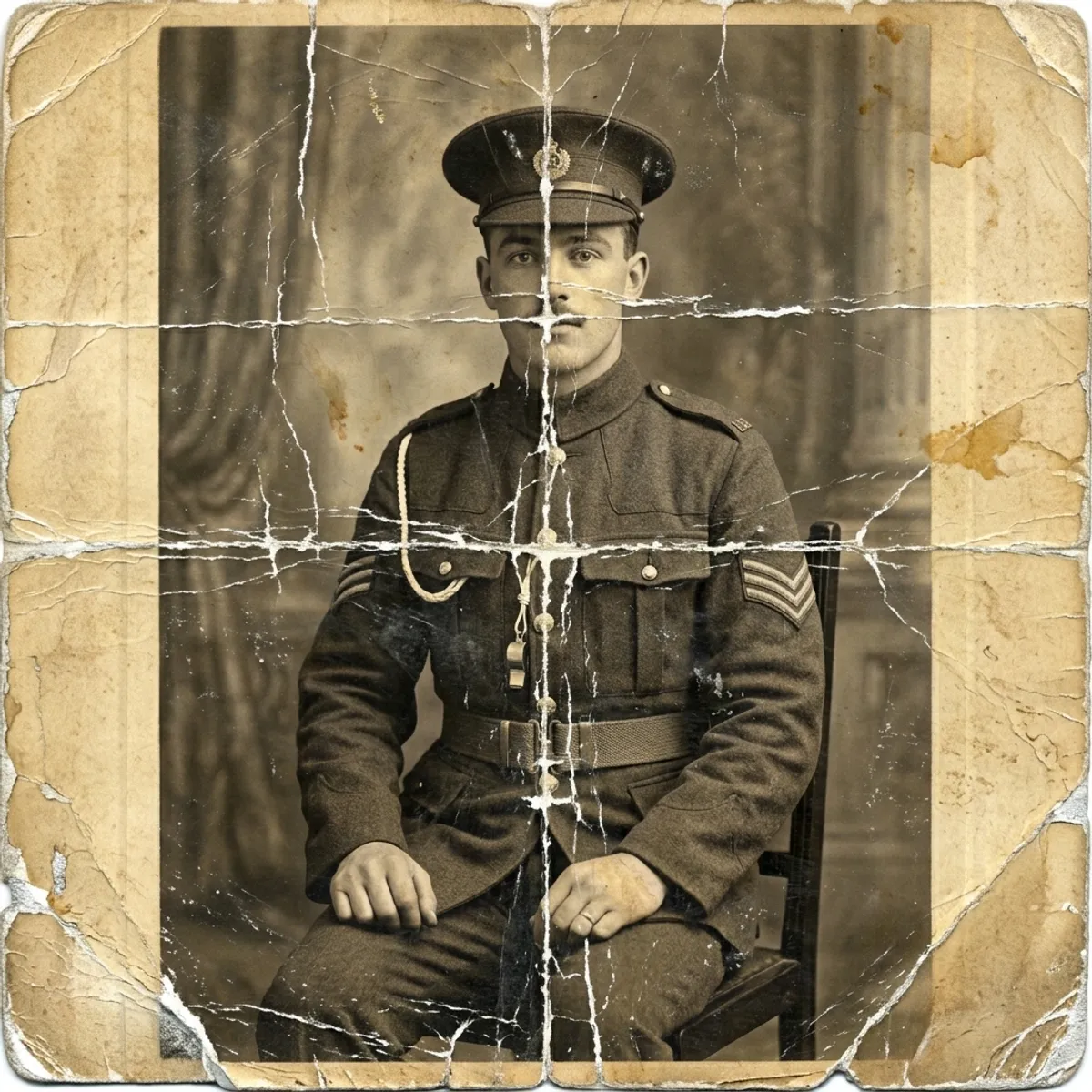
Real before-and-after restorations. Drag the slider.
Simple, honest pricing.
Start free. Upgrade when you're ready. Cancel anytime, one click.
Free
Perfect for trying it out.
- 3 restorations to try
- Watermarked preview downloads
- Works in any web browser
Family
For the family archivist.
- Unlimited* restorations
- High-resolution downloads, no watermarks
- Cloud library synced across devices
- Re-run with custom instructions (e.g. "colorize my dress red")
- Email support
Pro
More control for your archive.
- Everything in Family
- Video generation coming soon
- Early access to new features
- Email support
*Unlimited use is subject to our fair-use policy.
How to restore old photos: your questions, answered.
How can I restore old photos for free?
What's the best app to restore old photos?
Can AI restore severely damaged photos with scratches and tears?
How do I colorize a black-and-white photo?
How do I make a blurry old photo clear?
How do I restore faded color photos?
How long does AI photo restoration take?
What's the difference between RestorePhoto and Photoshop for old photos?
Can I scan old pictures with my phone?
Can I restore old photos from my phone, or do I need a computer?
Will the AI restored version look fake or over-processed?
What if I'm not happy with the result?
How do you handle my photos?
Can I cancel my subscription anytime?
The photos aren't getting any younger.
Restore Old Photos runs in your browser, so there's nothing to install. Pick one from the album and review the restored result when the job is ready.